Tap to Pay on iPhone
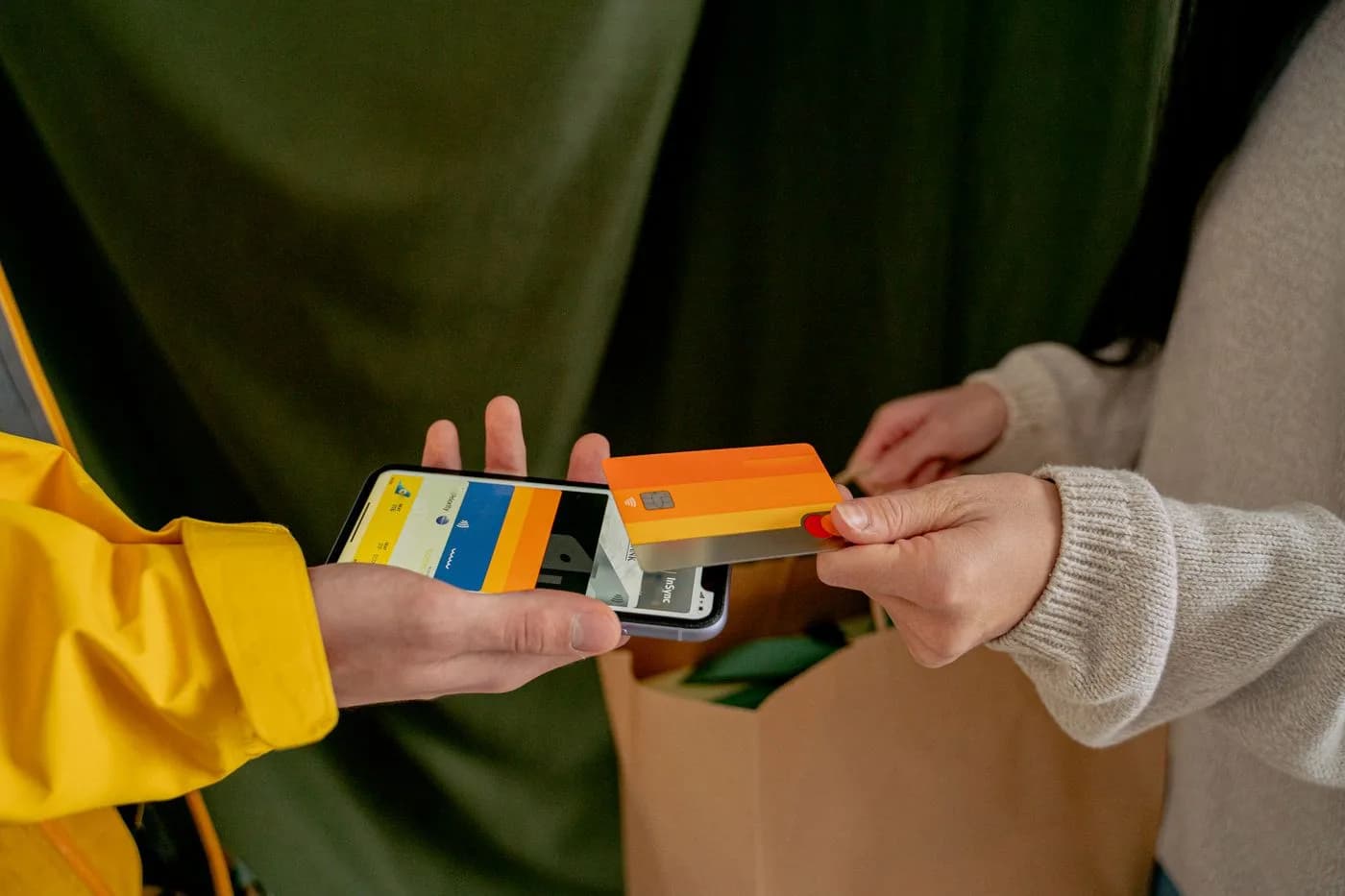
Take card payments on the phone in your pocket. Supporters tap their card or phone against it, the money lands with the rest of your fundraiser, and there is no reader to buy or borrow.
Pie Fundraiser 2026
$51.00
6 items
Hold card near the top of iPhone
Tap to Pay on iPhone
Card
Stripe, instant payout
Bank transfer
No platform fee
Cash
No platform fee
0%
Platform fee on cash and bank transfer orders.
Made for the sausage sizzle
Half the queue at a sausage sizzle has no cash on them. Take their card, tap it on your phone, and the sale goes into the same fundraiser as your online orders. No eftpos machine to hire, and no cash box to count at the end of the day. Tap to Pay runs in the free Raised app for iOS and Android.
- Works at the gate, the gala, the car boot sale or the sideline
- Cards, Apple Pay and Google Pay, with no reader to hire
- In person sales land beside your online orders
- Receipts sent for you, so there is nothing to write out

Why groups use it
Secure and reliable
Bank-level encryption and security protocols protect every transaction and customer data.
Fast processing
Transactions are processed in seconds for a smooth payment experience.
More sales
Organisations see 35% more revenue when offering contactless payment options for their fundraising products.
How it works
Open the app
Launch the Raised app on your smartphone and tap the 'Collect Payment' button.
Pick the items
Select a product from your inventory or enter the custom amount and add any relevant details.
Take the payment
Hold the customer's card or device near your phone to complete the transaction.
Where it gets used
Tap to Pay transforms how you sell products and collect payments at in-person events, making the process smooth and professional.
School bake sales
Sell homemade treats and accept payments instantly at school fundraisers.
Sports team merchandise
Sell team merchandise and gear at games and sports events.
School galas
Process ticket sales and activity fees on the spot during school events.
Team fundraising
Sell products door-to-door or at community events for your sports team.
Craft Fairs
Sell handmade items created by students or community members.
Charity Events
Sell tickets, merchandise, and accept sales during charity events.
Concession Stands
Take payments for food and drinks at school and sporting events.
Community Markets
Sell products and accept payments at community gatherings and markets.
Frequently Asked Questions
Everything you need to know about Tap to Pay
What devices are compatible with Tap to Pay?
Tap to Pay works on iPhone XS and later models running iOS 17.6 or newer, and on NFC-capable Android phones running Android 11 or newer. You just need the free Raised app for iOS or Android.
Is Tap to Pay secure?
Yes, Tap to Pay uses industry-standard encryption and security protocols. Card information is never stored on your device, and each transaction is processed with tokenization technology.
What payment methods are supported?
Tap to Pay supports all major credit and debit cards, including Visa, Mastercard, American Express, and Discover. It also works with digital wallets like Apple Pay, Google Pay, and Samsung Pay.
Are there any transaction fees?
Standard transaction fees apply. Please refer to our pricing page for the most current fee information. Volume discounts are available for organisations with high transaction volumes.
How quickly are funds available?
Funds are typically available in your account within 1-2 business days, depending on your bank and processing volume.
Take payments at your next stall
Set up a fundraiser, add your products, and take contactless payments on the phone you already carry. Creating an account is free.